DMW Documents & Contracts · Guide
DMW e-Registration in 2026: A Step-by-Step Guide for First-Time OFWs
Your DMW e-Registration profile is the base for job applications, OEC/OFW Pass and worker records. Here is how to set it up correctly.

A correct e-Registration profile saves time later. The common errors are name mismatches, missing passport details and outdated contact information.
Check before you pay. Never sign a blank contract or surrender your passport. Keep a signed copy and receipts.
Prepare the details
- Name exactly as in your passport.
- Passport number, expiry and issuing authority.
- PSA birth date and civil status.
- Working email and phone number.
Complete the profile
- Upload a clear passport-style photo.
- Add your education, skills and work history.
- Save your e-Registration number.
- Update the profile when your passport or job changes.
Use it correctly
- Use the same account for job applications and OEC/OFW Pass.
- Do not share your password with a recruiter.
- Keep a screenshot of your profile and number.
- Ask DMW if your record shows a name mismatch.
Quick checklist
- Name exactly as in your passport.
- Upload a clear passport-style photo.
- Use the same account for job applications and OEC/OFW Pass.
- I have a written contract and a fee breakdown.
- I have copies of every document and receipt.
Browse by category
Sources and further reading
Image credit
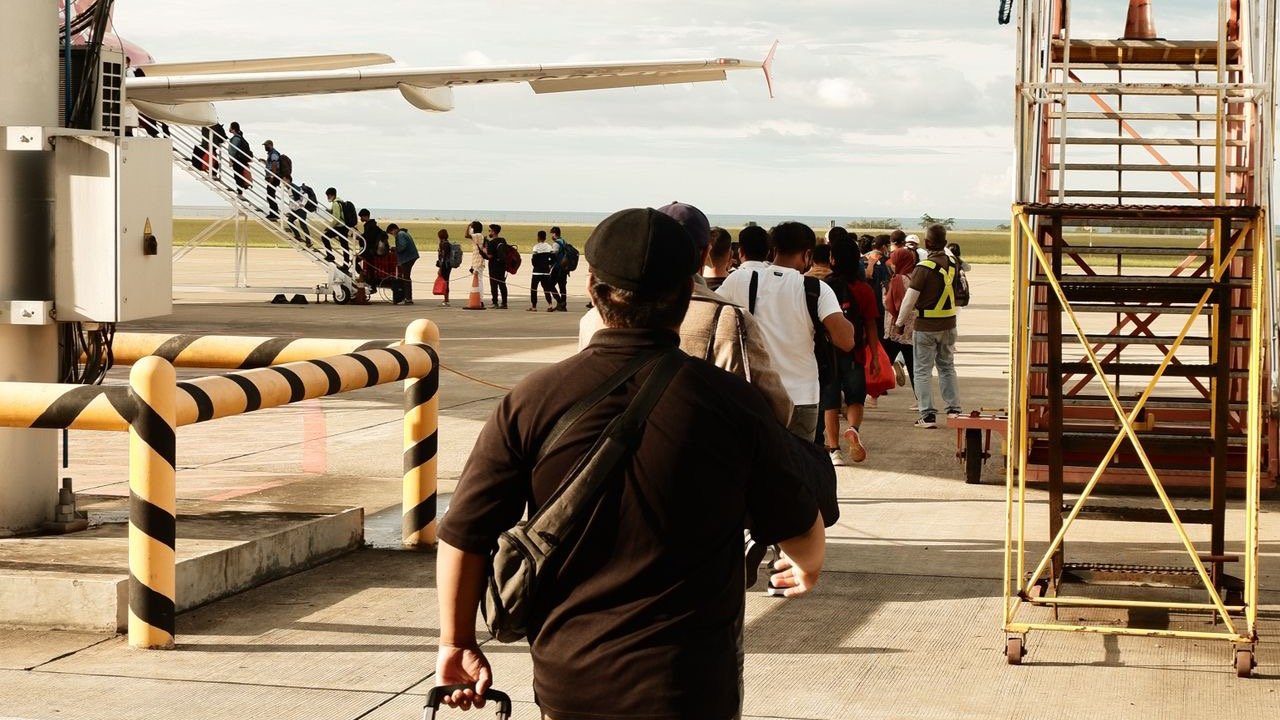
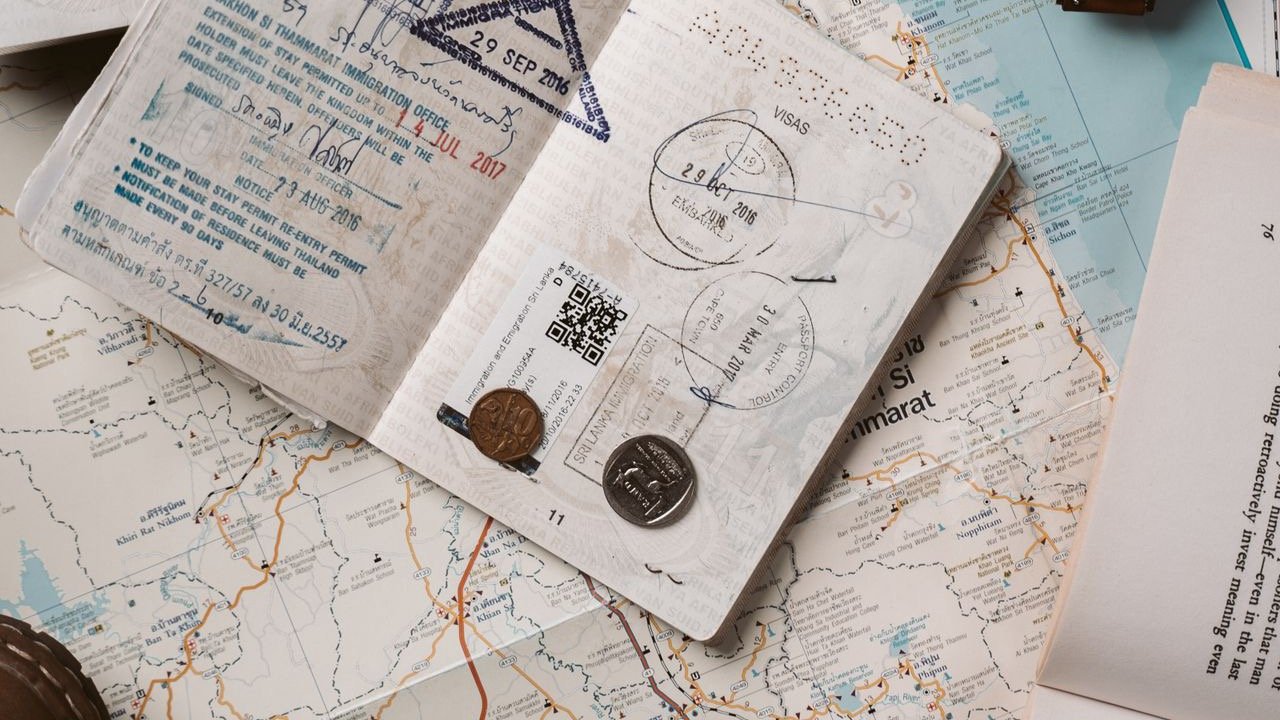
Photo: Sora Shimazaki on Pexels. Licensed under the Pexels License.
Last reviewed: November 2026. Rules and fees change; verify with DMW and the official destination authority.