Agency & Job Order Verification · Guide
How to Spot a Fake DMW Job Order on Facebook and TikTok
A job order screenshot is easy to edit. Here are the visual and factual clues that separate a real posting from a recycled one.
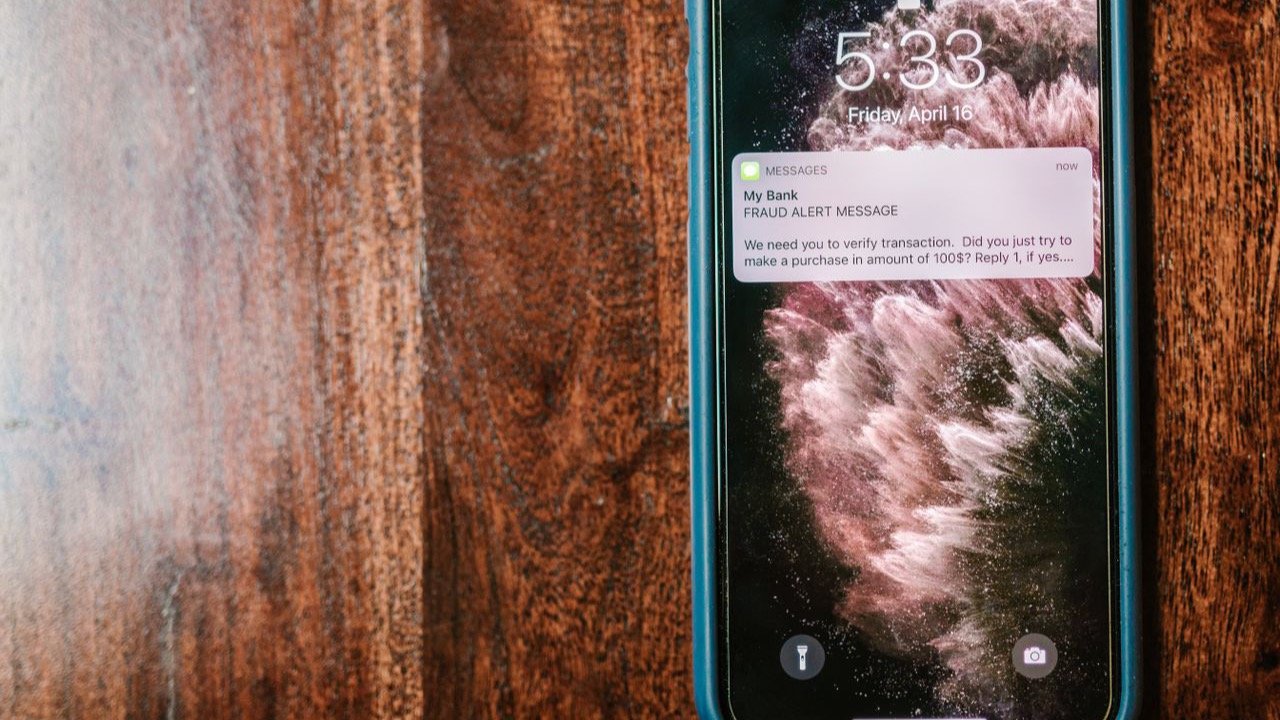
Scam pages reuse real job orders, logos and photos. The tell is usually a mismatch between the ad, the agency and the official record.
Check before you pay. A license is not a job order. Verify both before paying or submitting documents.
Visual clues
- Blurred or cropped license number.
- A logo that does not match the agency name.
- Comments disabled or negative comments deleted.
- A personal account instead of a page.
Factual clues
- Position does not match the job order.
- Employer or jobsite changes.
- Salary is far above the market.
- No written contract before payment.
Action
- Search the job order yourself.
- Call the agency’s official number.
- Report the page.
- Do not send money or your passport.
Quick checklist
- Blurred or cropped license number.
- Position does not match the job order.
- Search the job order yourself.
- I have a written contract and a fee breakdown.
- I have copies of every document and receipt.
Browse by category
Sources and further reading
Image credit
Photo: RDNE Stock project on Pexels. Licensed under the Pexels License.
Last reviewed: November 2026. Rules and fees change; verify with DMW and the official destination authority.